Campaign Cartographer 3

Campaign Cartographer 3 Review

by Fantasy Map Maker on March 5, 2011

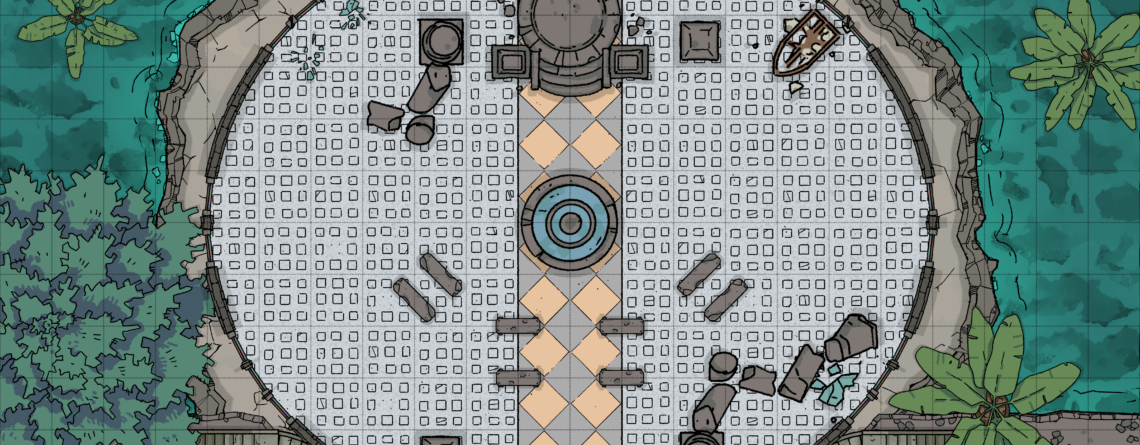
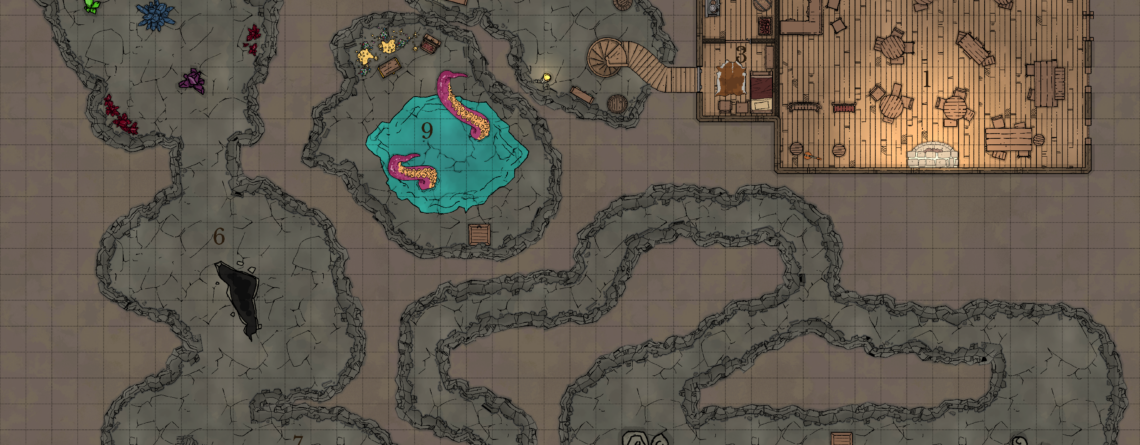
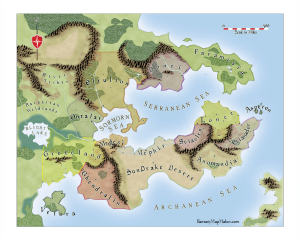
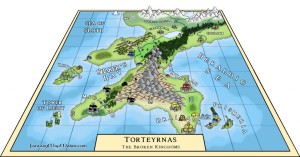
Campaign Cartographer 3 (CC3) is a fantasy mapping software by ProFantasy, and it is the software used to create most of the maps on this website.

The nice thing about CC3 is that it’s very easy to get started making maps. There are templates to build on and the toolbars are packed not only with drawing aids, but actual mapping elements. So, unlike general graphics programs like PhotoShop or Gimp, you don’t have to be an artist to make a mountain – you just have to select the type of mountain you want and then place it wherever you choose on your map.

CC3 vs. PhotoShop

If you’re already accustomed to using programs like PhotoShop, it may take a little while to get used to CC3, which is based on FastCad. When you want to do something in PhotoShop, you just pick the tool you want to use and go to town. When you want to do something in CC3, it’s a little bit different. First, you choose your tool. Then, you choose the object you want to modify. Then, you right click and select what action you want to perform from a menu. The most common selection is aptly named “Do It,” but there are other choices as well (cancel, combine, etc). I wouldn’t say this is a bad thing, just that it’s different than what many people are accustomed to. And, I admit, this took me a little while to get used to. But once you’ve made a few maps, it will become second nature.

PhotoShop is made for professional design work, and the options it gives you are pretty much unlimited. That’s great if you’re trying to make professional-grade artwork that looks completely unique. Of course, to get to that point, you’ll have to be a pretty good artist and take the time to master the program and develop your own style. There is nothing “out-of-the-box” to make a quick map in PhotoShop, but you can probably find a tutorial for just about anything you want to do.

CC3, on the other hand, is made specifically for mapping, so it’s pretty quick and easy to bang out a nice-looking map. It contains many different styles. Any given style will have matching terrain features, architecture styles, etc. There are a few styles baked in to the standard CC3 installation, but you can get a lot more by purchasing additional symbol sets and the Annuals.

Similar to PhotoShop’s filters and layer styles, CC3 has sheet effects to let you blur, add shadows, apply transparencies, etc. The options aren’t as diverse as PhotoShop, but there are plenty of effects available to do some advanced things with CC3. But since the symbol sets and Annuals do such a good job of providing out-of-the-box mapping styles, you won’t find too many people needing or even wanting to learn the advanced features.

Since Campaign Cartographer is such a niche product, it doesn’t have the wide-spread adoption that PhotoShop enjoys, so you won’t find tutorials all over the Internet. But ProFantasy has a forum and a mailing list where both users and ProFantasy staff actively discuss issues and help each other out. In the few years that I’ve been a ProFantasy customer, I have had both email and phone communication with staff and owners – it’s nice to know you can reach out to a real person when you need help.

How to Master CC3

Even though Campaign Cartographer is easy to get started with and doesn’t require a lot of artistic ability, don’t expect to make professional-looking maps on your first try. To get to that level, you will need a significant amount of knowledge and experience. You’ll need to learn how to use sheet effects to blend and blur and cast shadows and all that good stuff. As with any other program, you must commit to putting a little bit of time into learning the advanced functions. And, although you don’t need artistic ability, it helps if you have an artistic “eye” – i.e. you know what looks good. Personally, I have neither artistic ability nor an artistic eye (and I’m partially color blind), but my maps turn out OK.

The first suggestion I would give you is to pay close attention to the user manual, which is available for download in your account registration area. Create a new map and follow through the manual step-by-step. You heard me: Every. Single. Step. Read it in the manual and then physically perform that function on your map. Yes, this will take time – possibly a few days – to get through it all. But by the time you finish, you will have mastered most of the technical skills you need to make really great maps.

My other suggestions is to get a hold of some .FCW files (.FCW is the file extension for CC3 maps) and study how the sheet effects work to change the way the map looks. Here is a sample file you can start with (in order to view this file, you must either own CC3 or you can download the free CC3 Viewer). Probably the best way to do this is to purchase the Annuals, which contain pre-made templates and effects you can use to make different map styles out-of-the-box. Each style also comes with one or more sample files, so you can just open them up and study the sheet effects.

For instance, here is a map with the effects off:

sheet effects off

Next, activate the sheet effects. The dialogue box will show you what settings were used to create each effect.

Activate CC3 Sheet Effects

Activate Sheet Effects

Here is the image with all effects activated:

sheet effects on

Add-Ons

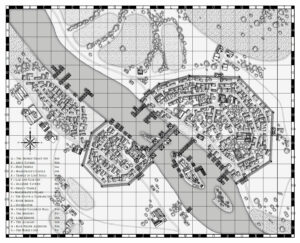
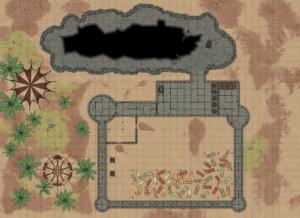
CC3 also has several add-ons that you can purchase to enhance the program. City Designer and Dungeon Designer are two popular ones. Even though you make cities and dungeons with the standard CC3 installation, the add-ons give you more powerful tools, symbols and styles to take your mapping to the next level.

There are several other add-ons as well – I’ll save the specifics for another post – but needless to say, CC3 offers a lot of functionality for multiple types of maps.

Conclusion

Campaign Cartographer 3 isn’t a full-blown graphics package like PhotShop, but if you’re just looking for something to make beautiful maps quickly then it’s probably the best program out there.

To find out more about the capabilities and benefits of CC3, you can visit the ProFantasy website.


If you found this review helpful, please consider sharing it with others using one of the Share buttons below…

{ 2 comments }

One day when I was a young’un, I visited the Orlando Public Library to check out some books for school. They had a small room with used books that they were selling for $1 each. I started combing through the bins and shelves to see if I could find anything interesting.

That’s when I came across a teal, hardcover book – no jacket – with a squiggly 8-pointed star inside of a diamond engraved on the cover. The spine read, “The Silmarillion, J.R.R. Tolkien.” Other than the absence of a dust jacket, it was in near-perfect condition.

As I started to flip through the book, I noticed that the pages in the back seemed to have a gap between them. That gap, as I soon discovered, was a huge fold-out map of Beleriand – the ancient coast of northwestern Middle-Earth – before the land was sundered and engulfed by the sea at the end of the First Age.

Beleriand Map

I was mesmerized.

Of course, I bought the book, and still have it to this day. Best buck I ever spent.

I still remember reading it for the first time, constantly flipping between story and appendices and map, immersed in the excitement of discovering a new world and new mythos. That was the day I fell in love with maps and realized the power they have to bring a story to life and to transport me to that other world.

It also made me want to create my own worlds, my own stories. And, naturally, maps were needed to help define those worlds. Lots of maps. Town layouts scribbled on notebook paper; battle maps and building schematics on graph paper; overland maps spread across 20 sheets of typing paper that occupied most of the floor space in my bedroom. Thanks to Tolkien, maps and fantasy played a key role in developing my imagination, which has brought me a lot of joy over the years.

So that’s my story… What’s yours? I’d really like to hear it, so I’m going to throw in a little incentive to help loosen the tongue.

How to Win a $25 ProFantasy Voucher

In the comments below, please tell me what is your favorite map, or a map that influenced you greatly. Also, share with me why you like it so much and/or how it influenced you. Feel free to link to the map if it exists somewhere on the Interwebs so we can all get a good look at it.

On December 24th, I’ll pick one commenter and send him/her a $25 ProFantasy gift voucher that can be used toward the purchase of any ProFantasy products. It’s that easy – just leave a comment for your chance to win.

Update

Thank you all for sharing your stories, I thoroughly enjoyed reading them.

I enjoyed them so much that I couldn’t pick just one as the winner. So, in the spirit of gaming, I rolled the dice (well, virtual dice from my Gametable install).

And the Dice proclaim Anthony Toohey to be the winner.

Merry Christmas to you all, and happy mapping!

{ 22 comments }

New For Christmas – ProFantasy Gift Vouchers

December 15, 2010

Do you have a cartographer or fantasy enthusiast in your life and don’t know what to give them for Christmas? The folks at ProFantasy came through with a solution just in time for the holidays. They now offer gift cards so your special someone can choose their own products. There are a few things I [...]

Read the full article →

The Keys of Illath

November 28, 2010
The Keys of Illath

This is a guest post from Keith Rogers Gordon, who is currently working on a novel called The Keys of Illath. Please note that the maps in this post are all copyrighted by Keith Rogers Gordon. The Keys of Illath is a cross-genre journey that draws from the realms of fantasy, science-fiction, action-adventure, unsolved mystery, [...]

Read the full article →

How to Use Your Campaign Cartographer Maps in MapTool

November 27, 2010

MapTool is a popular Virtual Table-Top application for remote role playing. It’s a great tool to have when you and your friends grow up, get real jobs, have kids and move to far corners of the country and/or world. In this tutorial video, Avotas shows us how to take your CC3 maps and make them [...]

Read the full article →

Emerisia

November 17, 2010
Emerisia

Not enough detail? Then click here for the extra-large version (caution – big file). Emerisia is a densely-packed port city. Made with the Fantasy Cities Annual of Campaign Cartographer 3.

Read the full article →

Poll: How Do You Want to View My Maps?

September 20, 2010
Thumbnail image for Poll: How Do You Want to View My Maps?

Until now, whenever you clicked on one of my maps the image popped up in a “lightbox.” It looked pretty and professional, but had some drawbacks – mainly that it slowed down the page a bit and the image wouldn’t display any bigger than your computer screen. So if you wanted to view full-size images, [...]

Read the full article →

New York City Map Contest

September 5, 2010
Thumbnail image for New York City Map Contest

The Cartographers’ Guild is running a map-making competition for September-October – Mapping the Big Apple Challenge. The top 45 maps will be featured in a gallery exhibition at the Soho Gallery for Digital Art, with prints available for public purchase (70% of the price after print costs go to the artist). Here are all the [...]

Read the full article →